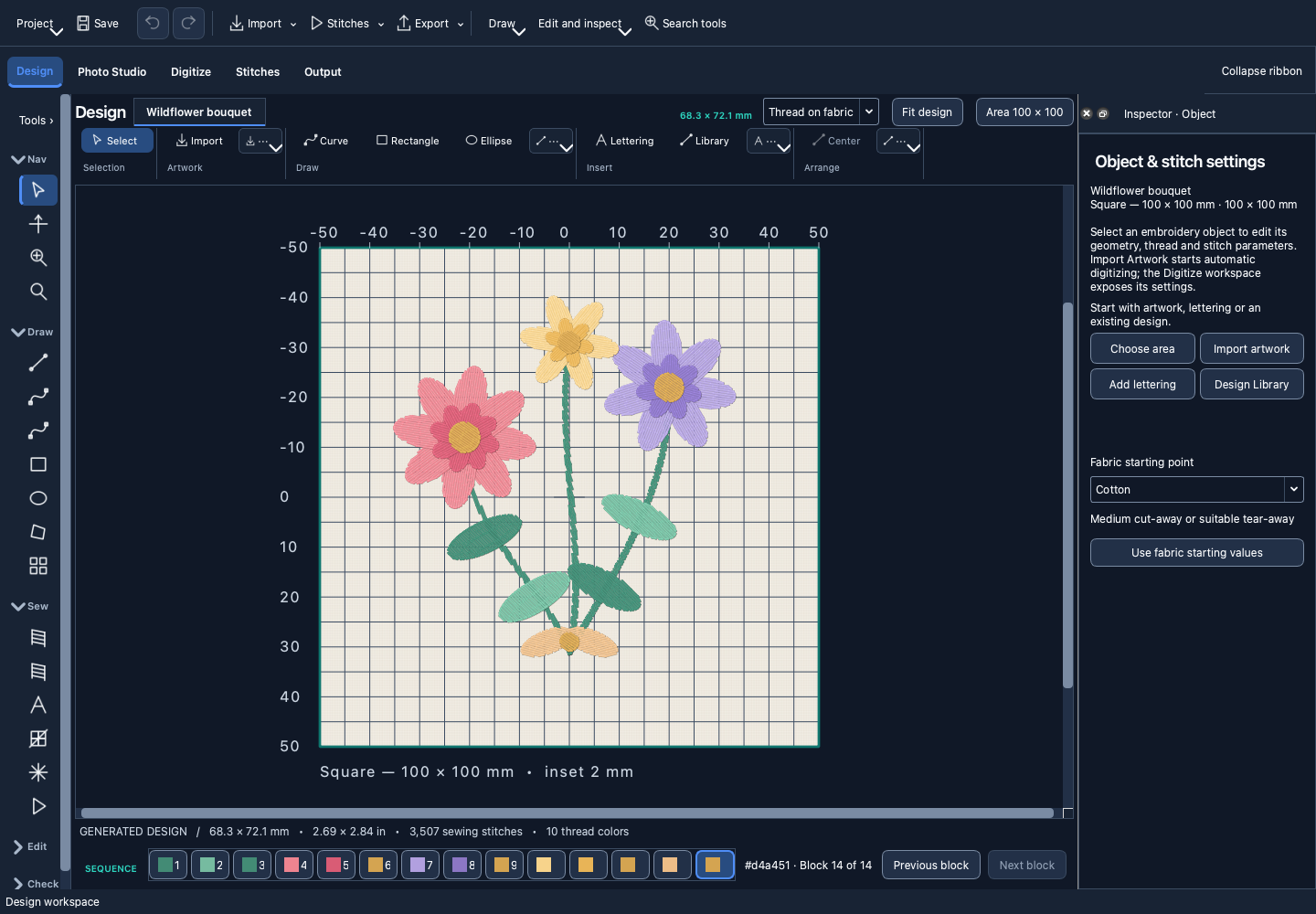
Drawing & digitizing
Create editable artwork and running, fill, and standard satin stitches.

THE STUDIO
Draw, digitize, edit, and preview in one workspace. Export options depend on your chosen machine, hoop, and file format.
Create editable artwork and running, fill, and standard satin stitches.
Create lettering, edit individual letters, and use supported curved path layouts.
Prepare photographs locally and explore photo digitizing. Review fine details and stitch a sample to check the result on your fabric.
Browse bundled designs and organize your own designs locally.
Inspect and edit individual needle positions, jumps, trims, and stitch order. Keep an editable project for later changes.
Position and transform objects precisely with snapping and alignment.
Select a machine profile and hoop. Review the usable sewing area and export limits before stitching.
Preview stitch order and prepare PES or DST output. Classic JEF and standalone EXP have compatibility limits; VP3 export is not available. See the guide before exporting.
EXPERIMENTAL STITCH TECHNIQUES
Explore raised stitching and selected satin shapes for 3D Puff. These experimental techniques have been checked in software but have not been physically qualified. 3D Puff requires embroidery foam and suitable shapes. Test coverage, height, tension, and compatibility on your actual materials before use.